INVITATIONS · 5 MIN READ

Birthday Invitation Website With RSVP and Countdown

A birthday invitation website gathers everything guests need in one link. It can also feel more festive than a plain message. The key is to put the practical details first and the fun second.

By the Wishly editorial team
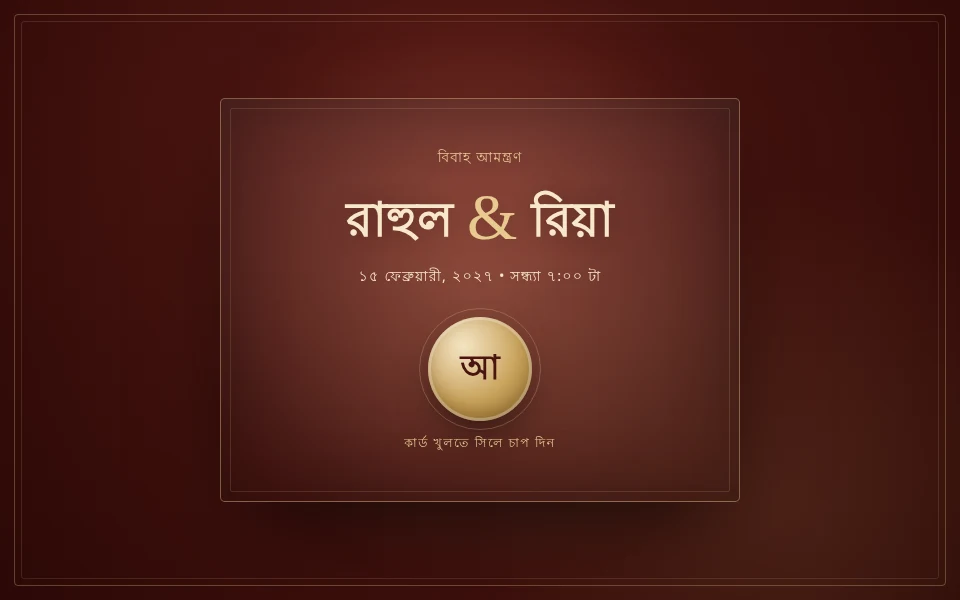
A traditional wedding website template preview
01

Lead with the essentials

Put the occasion, date, time and venue at the very top. Guests should not scroll to find where to go.

02

Add useful extras

A map link, parking note, dress code or a suggested gift note can save you many replies. A countdown adds a little excitement without getting in the way.

03

RSVP and replies

Some templates include reply or RSVP controls, others do not. Check the template before promising an RSVP, and give a backup contact, such as a phone number or chat, in case the guest prefers it.

04

Keep it readable on a phone

Most guests will open it from a message. Test text size, buttons and image crops on a phone.

  • Date, time, venue first
  • Map link
  • How to respond

ONE LAST THOUGHT

A good invitation page is clear first and playful second. Put the essentials at the top and test the link.

Explore invitation designs

THE MAIN WISHLY WEBSITE

Ready to turn this idea into a real page?

This international site is where you discover ideas, templates and practical guides. Wishly.bd is the main Wishly website—use it to create your account, customise your page in the editor, publish it and manage it later.

Create your page on Wishly.bd Visit the main website
Account & dashboardKeep your projects in one place.
Visual page editorPersonalise the options supported by your template.
Publish & manageMake your page available and return to update it.

QUICK ANSWERS

Frequently asked questions

What is a birthday invitation website?

A single web page with the details of a party: who, when, where and how to respond. It can also include a countdown, a map link and a playlist.

Does every template have RSVP?

No. RSVP or reply options depend on the template, so check the live preview before you choose it.

What details must be on the page?

The celebrant’s name, date, time, venue, a map link or address, and how to respond or contact the host.