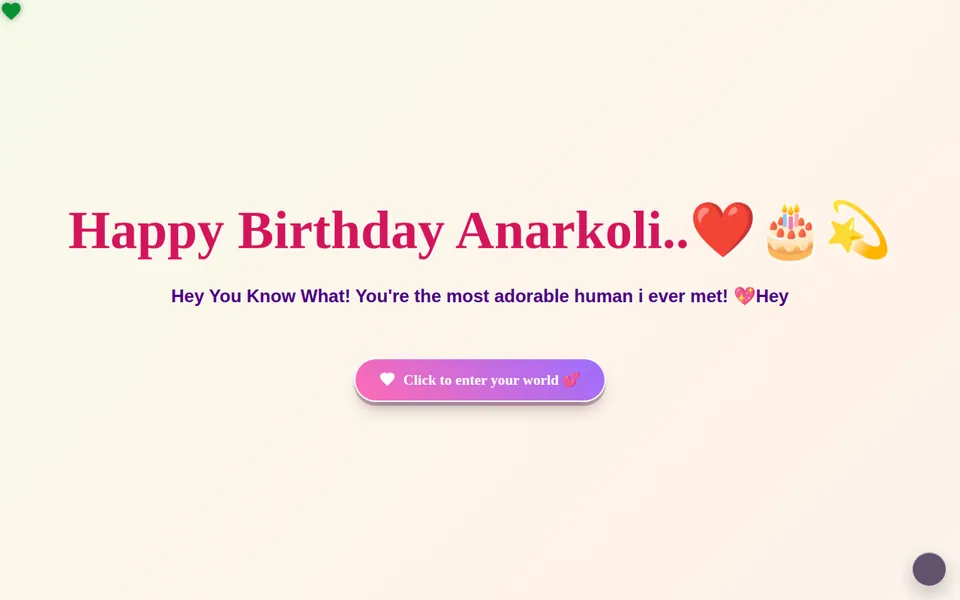
Master Template
The flagship cinematic birthday experience — built as the main editable template for your first website.
How to create this template →Wishly lets you create a beautiful, interactive birthday, proposal or surprise website for the person who matters. Pick a template, make it yours, share one link.
HOW IT WORKS
No design skills and no code. If you can send a message, you can make this.
Start from a birthday, proposal, wedding, sorry or miss-you page that already looks finished. Preview any of them first.
Tap any text or photo to change it. Add your gallery, music, video and a private letter. Your draft saves automatically.
Choose your own link, publish, and send it on WhatsApp, Messenger or with a QR code. Nothing for them to install.
TEMPLATE COLLECTION
Tap a card to preview it, or start building right away.
The flagship cinematic birthday experience — built as the main editable template for your first website.
How to create this template →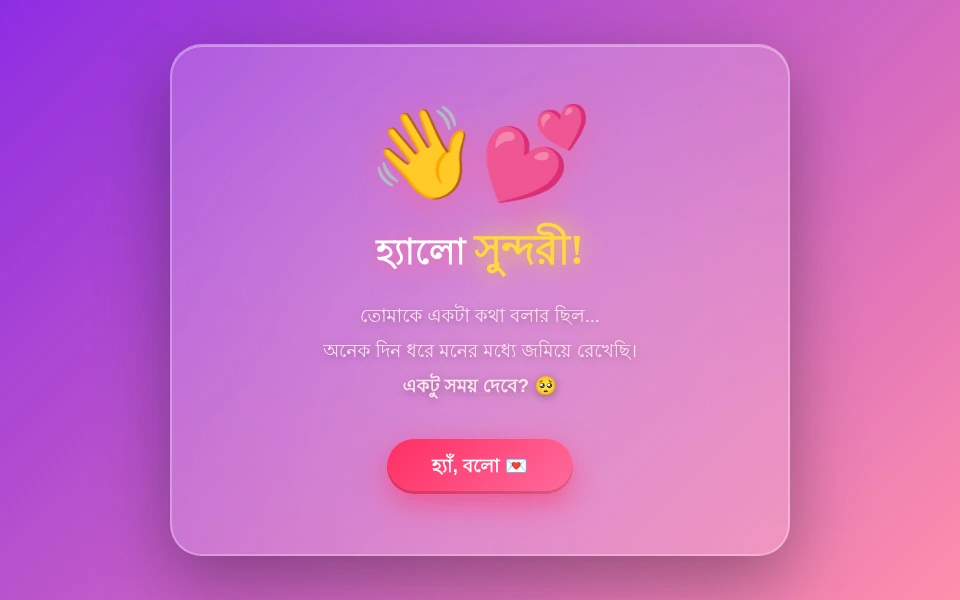
একটি মিষ্টি বাংলা প্রেম পত্র — মনের কথা বলে শেষে জিজ্ঞেস করা: তুমি কি আমার হবে?
How to create this template →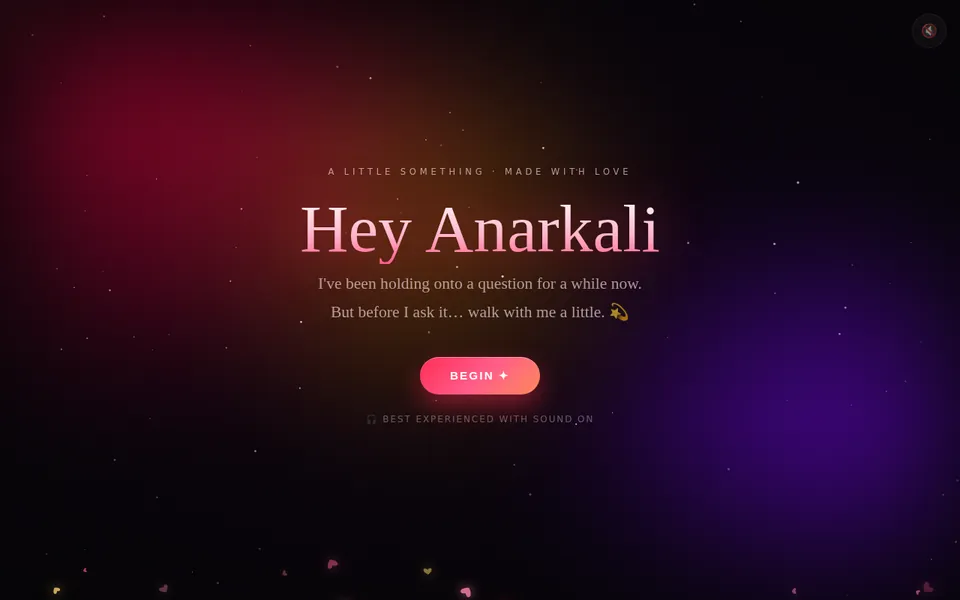

A golden Kintsugi-style apology letter in Bangla about mending what was broken.
How to create this template →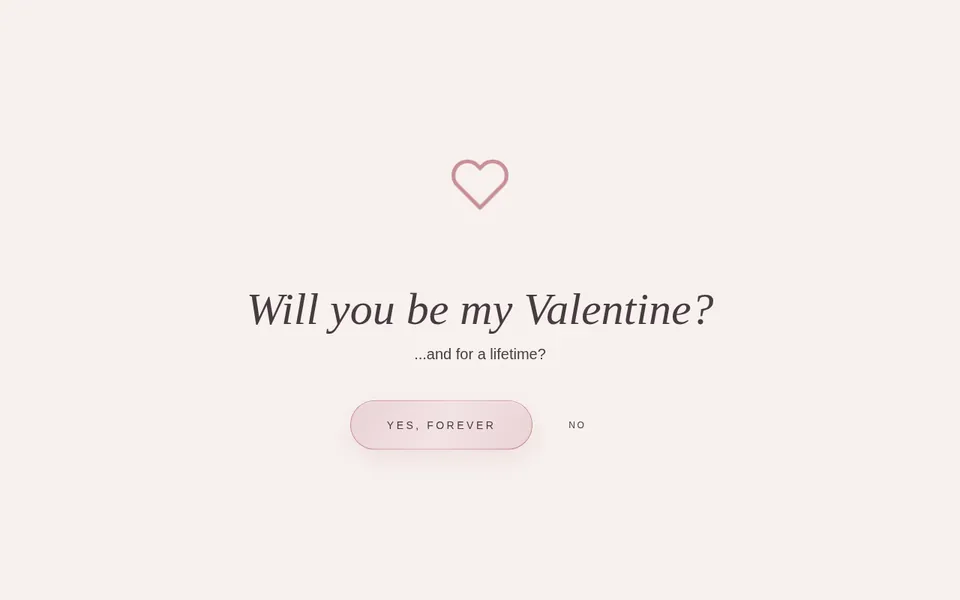
A premium Valentine proposal experience with an interactive reveal, story, digital garden, love jar and final letter.
How to create this template →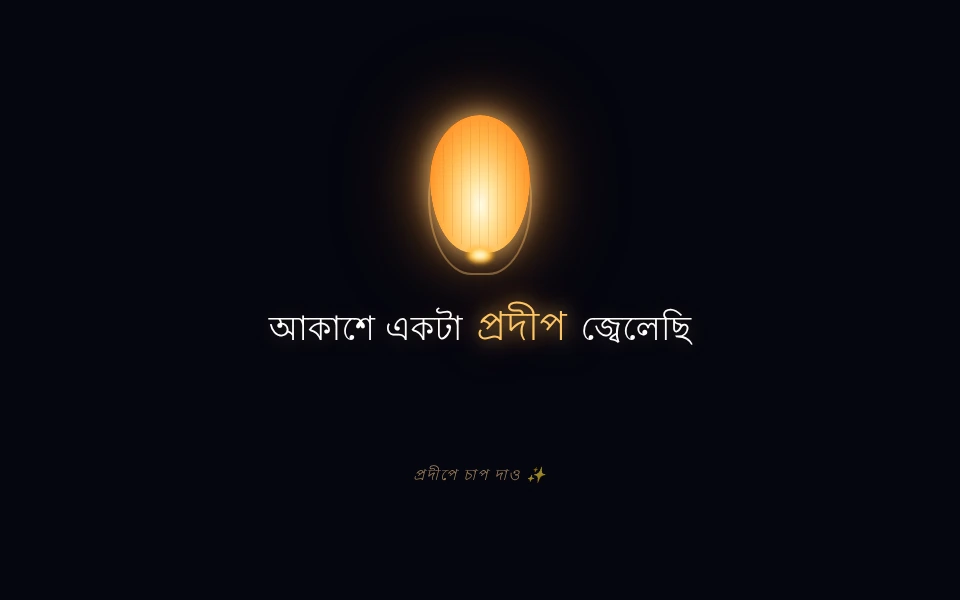
রাতের আকাশে প্রদীপ জ্বেলে মনের কথা বলা — শেষে প্রশ্ন: তুমি কি আমার প্রিয়তমা হবে?
How to create this template →INSIDE EVERY PAGE
Simple enough for anyone. Polished enough to keep.
Tap any part of the page and edit it right there. No forms, no code.
Upload your own photos or import them from Google Photos.
Add a song that plays when they open the page, or a video message.
Write a private letter, and let friends and family leave their own wishes.
Build and preview from your phone. Every page is designed for a small screen first.
Your own link, a WhatsApp or Messenger share button and a QR code.
QUESTIONS
Wishly is a website maker for birthday wishes, proposals, anniversaries, sorry and miss-you messages. You pick a template, add your photos, music and words, and share one link.
Yes. You can create an account, pick a template and build your page for free.
No. They open your link in any browser on their phone or computer.
Yes. Open it from your dashboard, edit what you want and publish again. The link stays the same.
Yes. Send a custom template request with the occasion, your idea and a deadline, and we will get back to you.
More answers in the FAQ, or write to us.
YOUR NEXT STORY
Start with a template. Finish with something that feels like them.