MESSAGES · 3 MIN READ

Apology Website Message Guide: Say Sorry Without Making Excuses

An apology page should communicate accountability rather than pressure someone to forgive. Use direct wording, name the impact and give the other person space to decide how to respond.

By the Wishly editorial team
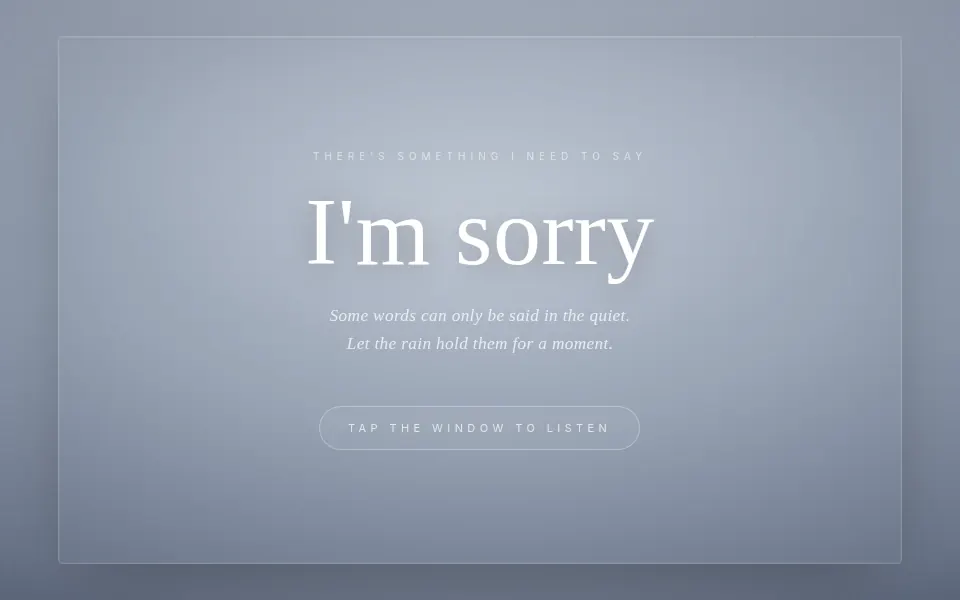
A simple apology website template preview
01

Take responsibility plainly

State what you did or said without hiding behind vague phrases. Avoid opening with “if you were hurt” when you already know your action affected the other person.

Do not use a decorative page to make an apology look larger than the change you are willing to make. The words should match the responsibility you accept.

02

Recognise the impact

Acknowledge how the situation may have affected the other person and show that you have listened. You do not need to claim you know exactly how they feel; describe what you understand and leave room for their perspective.

Avoid turning the apology into a long explanation of your own intentions. Context can matter, but it should not erase the effect of your behaviour.

03

Offer repair and respect their space

If there is a practical way to make things right, state it clearly. Do not demand a reply, a meeting or forgiveness as the price of sending the message.

A personal page may not be the right channel if the person has asked for no contact. Respect their boundaries first and use a simple message only when communication is welcome.

ONE LAST THOUGHT

The best apology website message feels thoughtful because its details are specific, not because it contains the most sections. Keep the message easy to read, check the page on a phone and share it with a short note that explains why you made it.

Explore sorry designs

THE MAIN WISHLY WEBSITE

Ready to turn this idea into a real page?

This international site is where you discover ideas, templates and practical guides. Wishly.bd is the main Wishly website—use it to create your account, customise your page in the editor, publish it and manage it later.

Create your page on Wishly.bd Visit the main website
Account & dashboardKeep your projects in one place.
Visual page editorPersonalise the options supported by your template.
Publish & manageMake your page available and return to update it.

QUICK ANSWERS

Frequently asked questions

What should an apology website message include?

State what you did or said without hiding behind vague phrases. Avoid opening with “if you were hurt” when you already know your action affected the other person.

How can you make the page feel personal?

Acknowledge how the situation may have affected the other person and show that you have listened. You do not need to claim you know exactly how they feel; describe what you understand and leave room for their perspective.

What should you check before sharing it?

A personal page may not be the right channel if the person has asked for no contact. Respect their boundaries first and use a simple message only when communication is welcome.