Check whether a message is welcome
Before sending a link, consider whether the person has asked for space or requested no contact. Respect that boundary. A carefully designed page is still an unwanted message if the recipient has made it clear they do not want to hear from you.
If contact is appropriate, use the channel the person is comfortable with and keep the introduction brief.
Name your action without making excuses
Be specific about what you did or said. Avoid vague wording such as “mistakes were made” or language that shifts responsibility to the other person. You can add context when it genuinely helps, but do not use it to minimise the impact.
A useful test is whether the person could understand what you are taking responsibility for after reading the first few lines.
Acknowledge the impact and say what will change
You cannot dictate how the other person feels. Acknowledge that your action may have caused hurt, inconvenience or loss of trust, and avoid telling them they should be over it. Then state the specific action you will take to avoid repeating the behaviour.
Only promise changes you can sustain. A realistic commitment is more meaningful than a dramatic statement.
Choose a calm design and keep it readable
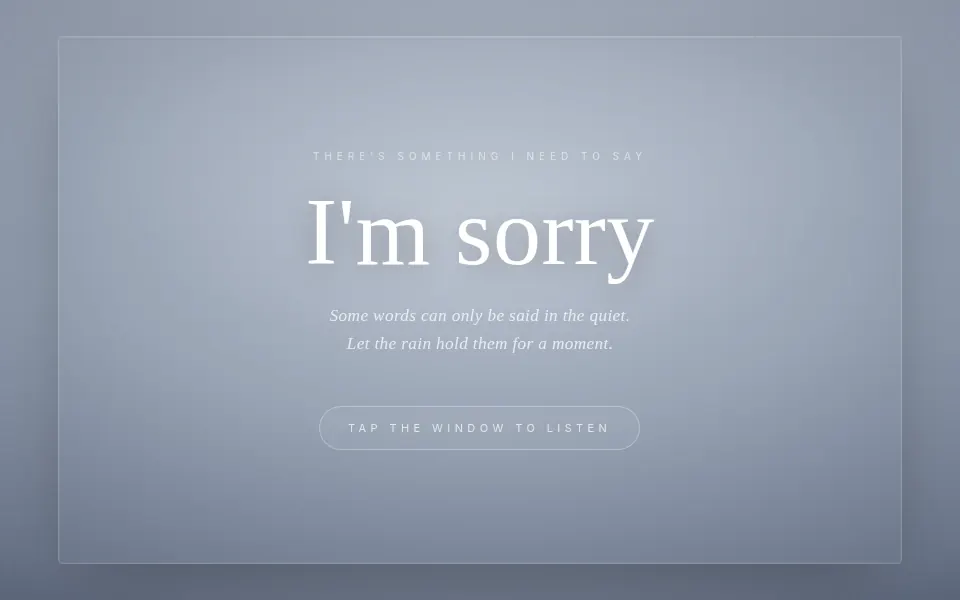
A visual format should make the message easier to read. It should never turn an apology into a performance or make the recipient feel watched.
- Use a simple, low-distraction layout.
- Keep the apology near the beginning.
- Avoid autoplay music, countdowns or manipulative reveal effects.
- Do not use public comments or pressure buttons to request forgiveness.
Give the other person time and choice
Close by making it clear that they do not need to respond immediately. Do not send repeated reminders if they do not reply. The point of an apology is to take responsibility, not to obtain a particular reaction.
If the person wants to talk, listen without interrupting or defending every detail.
ONE LAST THOUGHT
The most important part of an apology is not the page—it is accountability after the message is sent. Keep the design quiet, the wording specific and the recipient’s boundaries at the centre.
Browse apology page designs