1. Template ব্যবহার শুরু করুন
Template Library থেকে “Premium Sorry” নির্বাচন করে “Use template” চাপুন। লগইন না থাকলে আগে account তৈরি হবে, তারপর editor খুলবে। একই template আগে draft হিসেবে বানানো থাকলে নতুন draft না খুলে সেই draft-টাই আবার খুলবে।
TEMPLATE DETAILS
A cinematic, story-driven apology experience with memories, a heartfelt letter and a final forgiveness question.
Customize “Premium Sorry” from the canvas, then use Preview and Publish to finish the website.
Step-by-step guide to create this template →WHAT YOU CAN CUSTOMIZE
Template Library থেকে “Premium Sorry” নির্বাচন করে “Use template” চাপুন। লগইন না থাকলে আগে account তৈরি হবে, তারপর editor খুলবে। একই template আগে draft হিসেবে বানানো থাকলে নতুন draft না খুলে সেই draft-টাই আবার খুলবে।
Editor-এ canvas সবসময় edit mode-এ থাকবে। যেসব লেখা, ছবি, ভিডিও বা button editable সেগুলো highlight থাকবে। যেটা বদলাতে চান সেটার ওপর click করলে তার editing box খুলবে।
কোনো field বদলানোর সাথে সাথে canvas-এ পরিবর্তন দেখা যাবে। আলাদা করে Done চাপা বাধ্যতামূলক নয়; editor auto-save করে। Preview চাপলে visitor যেভাবে website দেখবে সেভাবেই পুরো experience দেখা যাবে।
ভুল edit হলে Undo দিয়ে আগের অবস্থায় ফিরুন, Redo দিয়ে আবার আনুন। পুরো template-এর default content ফিরিয়ে আনতে Reset ব্যবহার করুন।
সবকিছু ঠিক হলে Create Live Link/Publish ব্যবহার করুন। তখন আপনার account-এর website record-এর জন্য একটি live link তৈরি হবে। পরে edit করলে একই website-এর data update হবে—অন্য user বা অন্য template-এর data বদলাবে না।
Use the Premium Sorry template: add your memories, write an honest apology letter and publish. She reads it at her own pace and answers the forgiveness question at the end.
Premium Sorry template-e apnader smriti ar apnar sotti kotha likhun. Publish kore link pathan. Message-er cheye onek beshi mone dhorbe.
MORE SORRY
 🏺 Bengoli Sorry
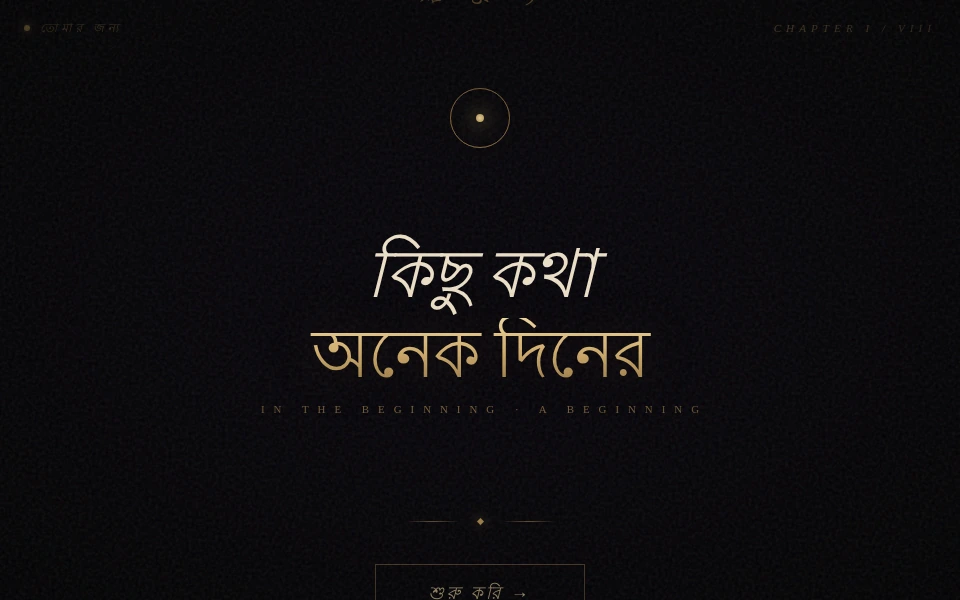 💌 Sorry bengoli version
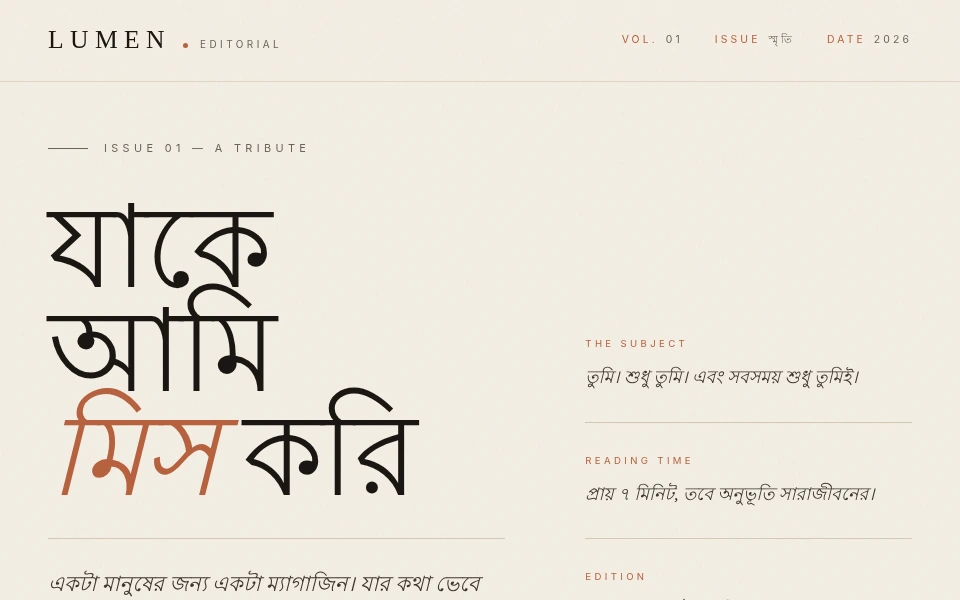 💌 তোমার কাছে ক্ষমা