1. Template ব্যবহার শুরু করুন
Template Library থেকে “Our Love Map” নির্বাচন করে “Use template” চাপুন। লগইন না থাকলে আগে account তৈরি হবে, তারপর editor খুলবে। একই template আগে draft হিসেবে বানানো থাকলে নতুন draft না খুলে সেই draft-টাই আবার খুলবে।
TEMPLATE DETAILS
An antique parchment anniversary journey with an interactive memory map, relationship counter, love notes, surprise coupons, and a heartfelt letter.
Customize “Our Love Map” from the canvas, then use Preview and Publish to finish the website.
Step-by-step guide to create this template →WHAT YOU CAN CUSTOMIZE
Template Library থেকে “Our Love Map” নির্বাচন করে “Use template” চাপুন। লগইন না থাকলে আগে account তৈরি হবে, তারপর editor খুলবে। একই template আগে draft হিসেবে বানানো থাকলে নতুন draft না খুলে সেই draft-টাই আবার খুলবে।
Editor-এ canvas সবসময় edit mode-এ থাকবে। যেসব লেখা, ছবি, ভিডিও বা button editable সেগুলো highlight থাকবে। যেটা বদলাতে চান সেটার ওপর click করলে তার editing box খুলবে।
কোনো field বদলানোর সাথে সাথে canvas-এ পরিবর্তন দেখা যাবে। আলাদা করে Done চাপা বাধ্যতামূলক নয়; editor auto-save করে। Preview চাপলে visitor যেভাবে website দেখবে সেভাবেই পুরো experience দেখা যাবে।
ভুল edit হলে Undo দিয়ে আগের অবস্থায় ফিরুন, Redo দিয়ে আবার আনুন। পুরো template-এর default content ফিরিয়ে আনতে Reset ব্যবহার করুন।
সবকিছু ঠিক হলে Create Live Link/Publish ব্যবহার করুন। তখন আপনার account-এর website record-এর জন্য একটি live link তৈরি হবে। পরে edit করলে একই website-এর data update হবে—অন্য user বা অন্য template-এর data বদলাবে না।
It is an interactive anniversary website with a vintage parchment map, a time-together counter, memory moments, love notes, surprise coupons and a personal letter.
Yes. Open the template in the Wishly builder to edit the names and visible text, set the anniversary start date in Quick Setup, replace the background music, preview it and publish your shareable link.
Yes. Set the date your story began, add your names, personalize the memory captions and letter, then share the published page with your partner.
MORE ANNIVERSARY
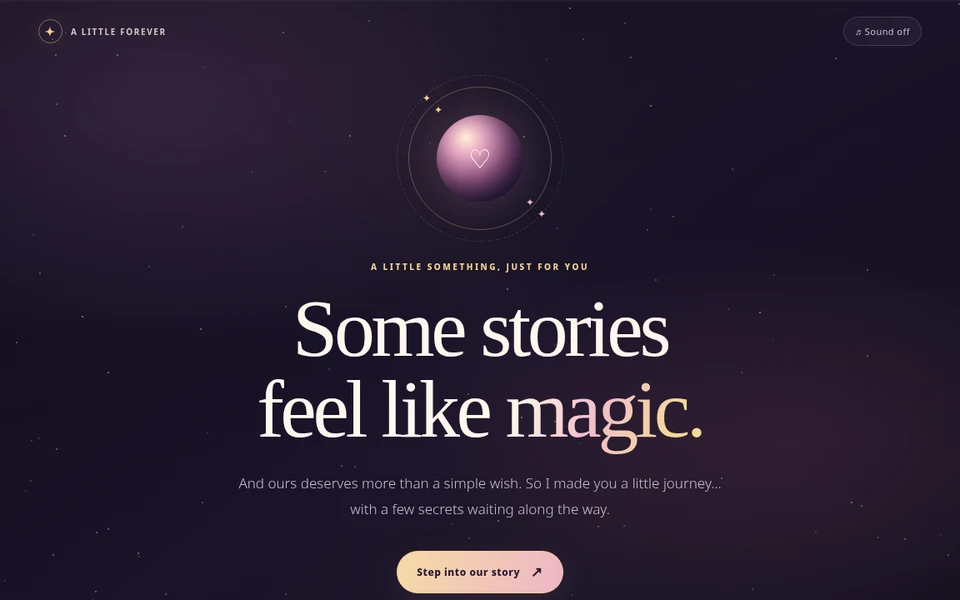 💞 A Little Forever
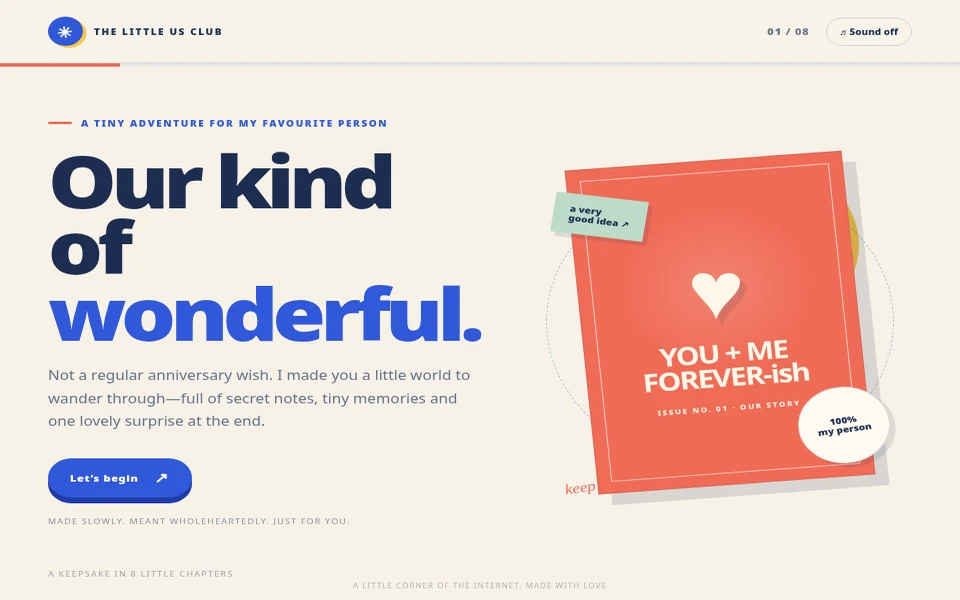 ✳ The Little Us Club
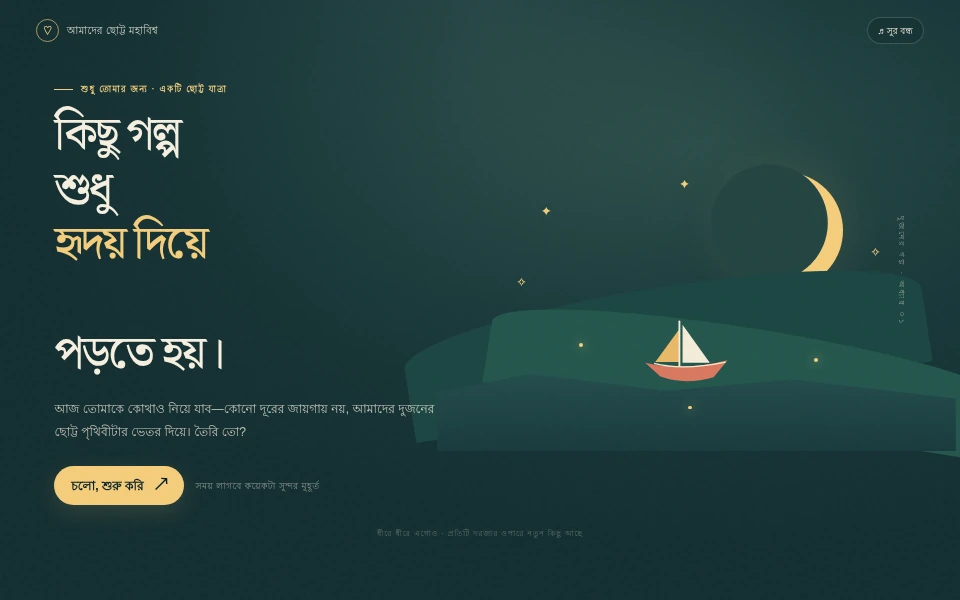 🌙 আমাদের ছোট্ট মহাবিশ্ব