The short version
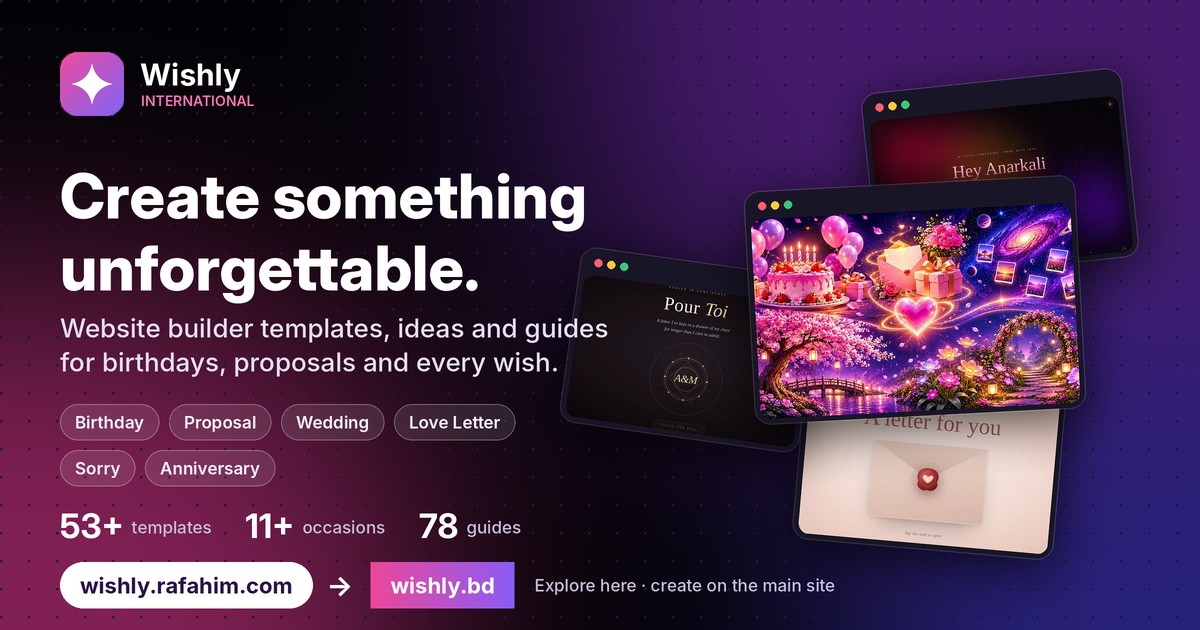
If you want to make a page, go to wishly.bd. If you want to explore, compare and get inspired first, use wishly.rafahim.com.
- wishly.bd: main product website. Sign-up, login, visual editor, dashboard, checkout, publishing and page management.
- wishly.rafahim.com: international guide website. English-first guides, occasion collections, template previews and answers to common questions.
Why Wishly needed an international guide website
People who send a wish online are not all in one country. Someone planning a birthday surprise for a friend overseas, a proposal page for a partner in another time zone or an invitation for guests in several countries searches in English and wants clear answers before signing up for anything.
The main website is built for people who are ready to create. The guide website is built for the step before that: choosing an occasion, understanding what a personal page can include and picking a design that suits the recipient.
What you will find on wishly.rafahim.com
Every page links onward to wishly.bd when you are ready to create, so there is never a dead end.
- Practical guides for birthdays, proposals, weddings, anniversaries, apologies, thank-you notes and letters.
- Occasion collections that group templates by moment, so you can start from a feeling rather than a catalogue.
- Template pages with previews, descriptions and a language label for every design.
- A step-by-step walkthrough of how a personal page is made, and an FAQ for first-time visitors.
- A plain-language page explaining what Wishly is, for anyone who has only heard the name.
What stays on wishly.bd
Nothing about your account or your pages moves. Wishly.bd remains the place for everything that needs you to be signed in or to pay: creating an account, opening the visual editor, personalising text and photos, adding music or video where a template supports it, publishing a link and managing the pages you have already made.
- Account, login and dashboard
- Visual editor and template personalisation
- Publishing, sharing links and page management
- Checkout and payments
How to use the two websites together
A simple flow works well for most people.
- Start on wishly.rafahim.com with a guide for your occasion, such as birthday website ideas or how to write a digital love letter.
- Open an occasion collection and preview two or three designs. Check the language label so the recipient can read it comfortably.
- Choose a template and continue to wishly.bd with its “Use template” button.
- Personalise it in the editor, preview it on a phone, publish and share the link.
A note on languages and regions
The guide website is English-first so that it is useful worldwide. The template library includes English designs and some Bengali-language experiences. We do not promise region-specific pricing, payment methods or feature availability here; those details are decided on the main website and may differ by template.
Where to start today
Read the overview on the “What is Wishly?” page if you are new to the name, browse the guides if you want ideas, or go straight to the template library if you already know the occasion. When you have found a design you like, wishly.bd is one click away.
ONE LAST THOUGHT
Think of wishly.rafahim.com as the place to explore and wishly.bd as the place to create. Together they take you from a first idea to a published page you can share with one link, wherever the recipient lives.
Read what Wishly is