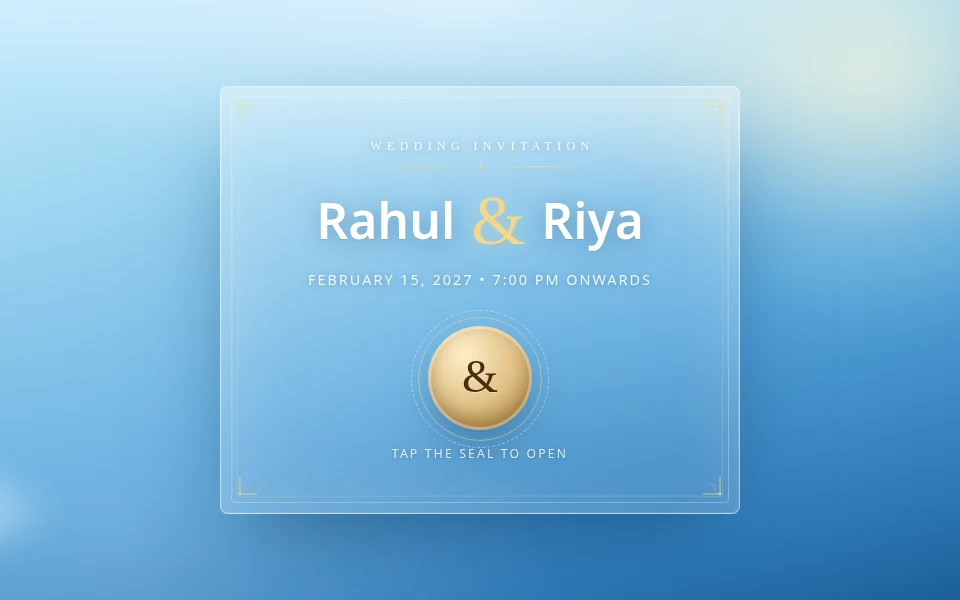
Put the essential details near the top
Do not hide practical information behind decorative sections. Guests may open the invitation on a small phone screen while making plans.
- Names of the couple or hosts.
- Event date and local start time, including the time zone when relevant.
- Venue name and full address.
- Dress code or important arrival notes, if any.
- A clear RSVP deadline and response method.
Add a schedule only when it helps
If the celebration includes multiple events, list them in chronological order with the correct dates and locations. Separate ceremony, reception and any additional gathering so guests can understand which parts they are invited to attend.
Avoid adding a detailed timetable that may change before the event. If plans do change, update the page and send guests a clear notice.
Make the location easy to use
Include the venue’s full name and a reliable map link where possible. For guests travelling from another city or country, add practical notes such as the nearest transport hub or recommended arrival window if those details are confirmed.
Do not publish a private residential address unless the hosts are comfortable sharing it with everyone who receives the link.
Explain how guests should respond
State whether guests should reply through a form, message, email or another method. If dietary preferences or accessibility requirements matter, explain where guests can share them securely. Do not imply that an RSVP feature exists unless your chosen service provides it.
Set a deadline that gives you enough time to confirm arrangements. Keep the instructions short and easy to follow.
Check the page before sending it widely
A second reader can quickly reveal missing context that the couple and hosts may overlook.
- Test the invitation on phones and desktop browsers.
- Check names, dates, time zones and spelling.
- Open every map, RSVP and contact link.
- Ask someone who was not involved in building it to find the key details.
- Confirm who can access the link and what information is public.
Use the link consistently
Share the same canonical invitation link in messages and printed QR codes where supported. If details are updated, direct guests back to that same page rather than circulating multiple versions. A short message with the link helps guests recognise the invitation.
If you are inviting people across countries, write dates in an unambiguous format and include a time zone for online events.
ONE LAST THOUGHT
A useful wedding invitation website combines a warm welcome with practical clarity. Put the date, location and response instructions first, then use photographs and design to make the page feel like your celebration.
Browse wedding website templates