HOW TO · 4 MIN READ

How to Share a Surprise Website Link the Right Way

You have made the page. Now the delivery matters. A link sent at the wrong time or in the wrong place can lose the surprise. These steps help the moment land.

By the Wishly editorial team
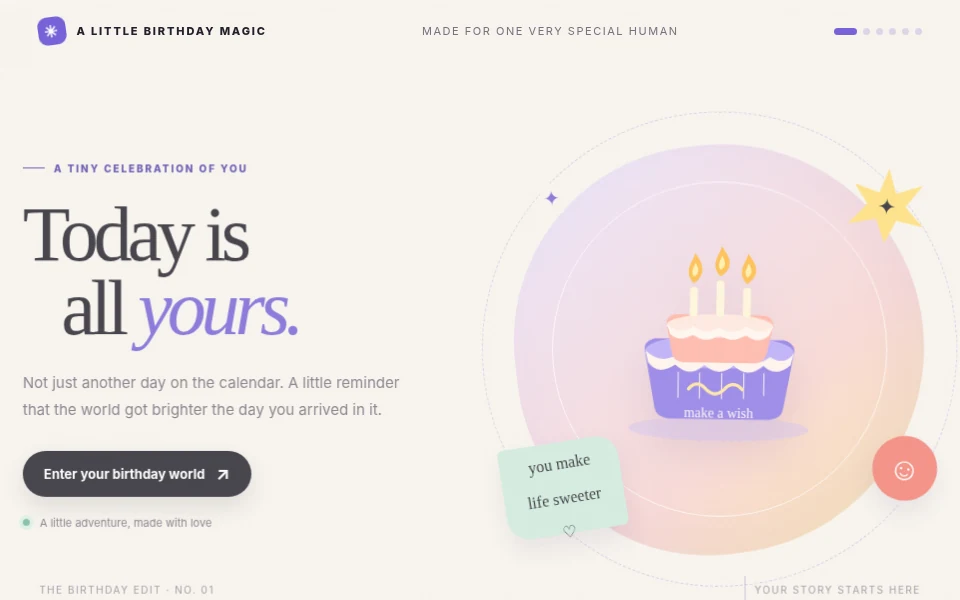
A playful birthday website template preview
01

Choose the right channel

Use the app or inbox the person actually opens. A direct message is more personal than a group chat, and an email may be missed.

02

Think about timing

Consider the recipient’s time zone, their schedule and whether they will have a quiet moment to open the page. Midnight messages work only if they are awake.

03

Add a short note

A short line such as “I made something for you, open it when you have a minute” gives context and helps the link feel safe to click.

04

QR codes and printed cards

Where a QR code is available, add it to a card or gift tag so the recipient can scan it in person. Test it from a phone before printing.

05

Test before you send

Open the published link in a private window and on a phone. Check that images load and any sound or video has a clear play button.

  • Link opens correctly
  • Mobile layout is readable
  • Names and dates are right

ONE LAST THOUGHT

Good delivery is part of the gift. Pick the right channel, add a kind note and test the link before you send it.

More guides

THE MAIN WISHLY WEBSITE

Ready to turn this idea into a real page?

This international site is where you discover ideas, templates and practical guides. Wishly.bd is the main Wishly website—use it to create your account, customise your page in the editor, publish it and manage it later.

Create your page on Wishly.bd Visit the main website
Account & dashboardKeep your projects in one place.
Visual page editorPersonalise the options supported by your template.
Publish & manageMake your page available and return to update it.

QUICK ANSWERS

Frequently asked questions

What is the best way to send a surprise website link?

Send it by the channel the person checks most, at a time they are likely to be free. A short note explaining why you made it helps the link feel safe and personal.

Should I use a QR code?

A QR code is useful for printed cards or in-person reveals, where it is available. For remote surprises, a direct link in a message is simpler.

How do I stop the surprise from leaking?

Do not post the link publicly, publish close to the moment and share it only with the intended person.