What “no-code” actually means
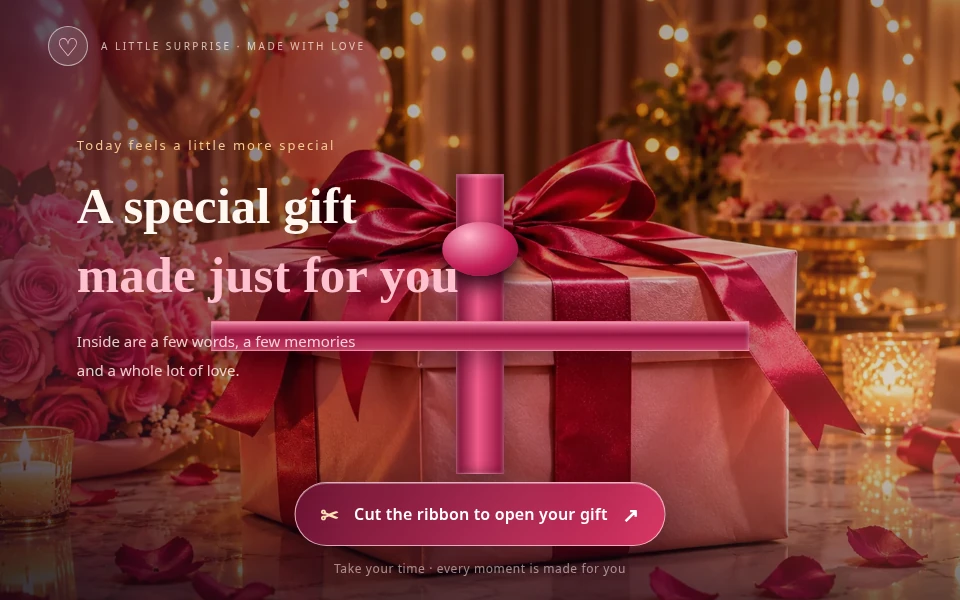
A no-code builder replaces programming with a visual editor. You click the text you want to change, type your own words, swap the sample photos and preview the result. The builder produces the working website for you.
The trade-off is control. You work inside the template’s structure instead of designing every pixel. For a personal page this is usually an advantage, because the design has already been thought through.
Decide what the website is for
Before opening any editor, write one sentence: who is this for and what should they feel? “A surprise for my sister’s 25th birthday” is a clear brief. “A nice website” is not.
The purpose decides everything else: which template, how many photos, whether you need music, and how long the page should be.
- One recipient or many guests?
- A surprise reveal or a practical page with dates and details?
- Playful, romantic, calm or formal?
Pick a template, not a blank page
Starting from an occasion-based template removes the hardest part of making a website. Browse by occasion, open the preview and check the language label and layout on a small screen.
Choose the template whose structure already matches your message. Changing words is easy; fighting a layout is not.
Edit, preview and publish
Replace the sample text with your own, add a small set of photos you have permission to use, then switch to preview and read the page as the recipient would. Check names, dates and every button.
When it looks right, publish and copy the link. Open the live link once in a private browser window before sending it.
When you do need more than no-code
A no-code wish page is not meant to run a shop, a portfolio with many sections or a company site. For those, use a general-purpose website builder or hire a developer. Choose the tool that matches the job.
ONE LAST THOUGHT
The simplest way to learn how to make a website without coding is to make one small page with a clear purpose. Pick a template, add your own words and share the link.
Read the 5-step walkthrough