BIRTHDAYS · 3 MIN READ

Birthday Memory Timeline Website: Build a Story in Moments

A birthday memory timeline website can connect a handful of photographs and stories across the years. Use meaningful milestones rather than trying to document every event.

By the Wishly editorial team
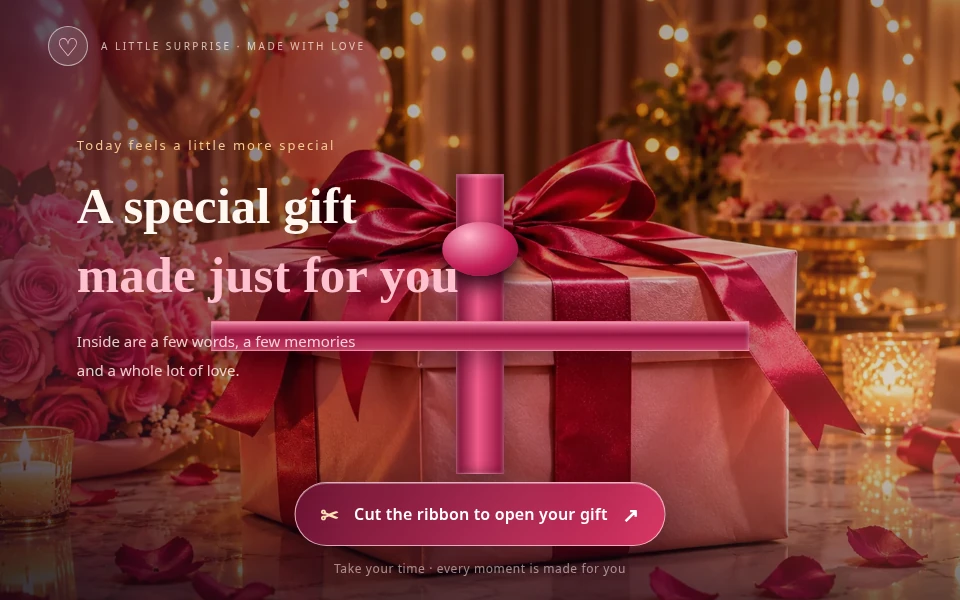
A photo-led birthday website template for sharing memories
01

Choose the moments that changed something

Look for firsts, shared adventures, turning points or ordinary routines that became important. A timeline becomes interesting when each moment adds a different part of the story.

Three to seven entries are often enough for a personal page. If you have many more, group them into chapters so the reader is not faced with an endless scroll.

02

Write captions with context

A useful caption answers one question: where were you, what happened or why does this moment matter? One or two sentences can make an image easier to understand.

Check dates with the people involved rather than relying on memory when accuracy matters. If you are unsure of the year, use a general label such as “our first trip” instead of guessing.

03

Finish with the next chapter

The last timeline entry can point toward something you hope to do together. It gives the page a natural ending and makes the story feel ongoing.

Keep the page mobile-friendly and make the chronological order obvious with headings or dates that are easy to scan.

ONE LAST THOUGHT

The best birthday memory timeline website feels thoughtful because its details are specific, not because it contains the most sections. Keep the message easy to read, check the page on a phone and share it with a short note that explains why you made it.

Explore birthday designs

THE MAIN WISHLY WEBSITE

Ready to turn this idea into a real page?

This international site is where you discover ideas, templates and practical guides. Wishly.bd is the main Wishly website—use it to create your account, customise your page in the editor, publish it and manage it later.

Create your page on Wishly.bd Visit the main website
Account & dashboardKeep your projects in one place.
Visual page editorPersonalise the options supported by your template.
Publish & manageMake your page available and return to update it.

QUICK ANSWERS

Frequently asked questions

What should a birthday memory timeline website include?

Look for firsts, shared adventures, turning points or ordinary routines that became important. A timeline becomes interesting when each moment adds a different part of the story.

How can you make the page feel personal?

A useful caption answers one question: where were you, what happened or why does this moment matter? One or two sentences can make an image easier to understand.

What should you check before sharing it?

Keep the page mobile-friendly and make the chronological order obvious with headings or dates that are easy to scan.