BIRTHDAYS · 3 MIN READ

21st Birthday Website Ideas for a Memorable Online Surprise

Create a 21st birthday website that feels like the person celebrating it. Use memorable photographs, a few messages and a tone that suits their plans and personality.

By the Wishly editorial team
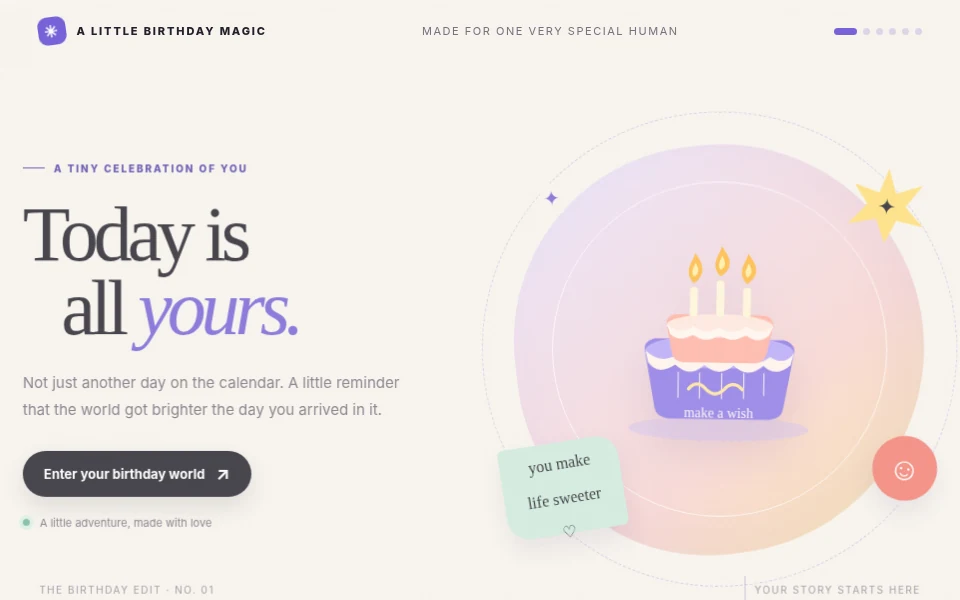
A playful birthday website template preview
01

Choose a theme that feels current

A favourite colour, hobby, travel destination or music style can guide the visual direction. Use the theme as a subtle thread rather than turning every section into a decoration.

If friends are contributing, give them one clear prompt so their messages fit the same mood and do not repeat one another.

02

Include both the big and small moments

A major trip or graduation photo can sit beside a casual memory that makes the person laugh. The combination helps the page feel like a real portrait rather than a highlight reel.

Keep the image count manageable and use captions when they explain why a moment mattered.

03

Share it around the celebration

You can send the link before a party, include it in a private group chat or reveal it during a video call. Pick a moment when the person has enough time to enjoy the page.

If the link will be shown at an event, test the page on the screen and network you plan to use. Have a direct link ready in case a QR code does not scan.

ONE LAST THOUGHT

The best 21st birthday website feels thoughtful because its details are specific, not because it contains the most sections. Keep the message easy to read, check the page on a phone and share it with a short note that explains why you made it.

Explore birthday designs

THE MAIN WISHLY WEBSITE

Ready to turn this idea into a real page?

This international site is where you discover ideas, templates and practical guides. Wishly.bd is the main Wishly website—use it to create your account, customise your page in the editor, publish it and manage it later.

Create your page on Wishly.bd Visit the main website
Account & dashboardKeep your projects in one place.
Visual page editorPersonalise the options supported by your template.
Publish & manageMake your page available and return to update it.

QUICK ANSWERS

Frequently asked questions

What should a 21st birthday website include?

A favourite colour, hobby, travel destination or music style can guide the visual direction. Use the theme as a subtle thread rather than turning every section into a decoration.

How can you make the page feel personal?

A major trip or graduation photo can sit beside a casual memory that makes the person laugh. The combination helps the page feel like a real portrait rather than a highlight reel.

What should you check before sharing it?

If the link will be shown at an event, test the page on the screen and network you plan to use. Have a direct link ready in case a QR code does not scan.